Disclosure: Some links on this page are affiliate links. This means we may earn a small commission if you make a purchase, at no additional cost to you.

Choosing the best laptops In 2026 is not as simple as just picking the one with the best specifications or the highest price. From a student’s point of view, what really matters is having a laptop that can smoothly handle everyday tasks without interruptions—whether it’s attending classes, completing assignments, working on projects, or even watching Netflix in between when you need a break.
To put it simply, most students either end up spending too much on features they don’t really need, or they choose a laptop that starts slowing down after just a year. This guide is designed to help you avoid these mistakes and choose the right laptop for your needs.
When I bought my first laptop for college, I believed that the more powerful the specifications, the better the performance would be. But after a short time—carrying it around every day and constantly looking for charging points—I realized that battery life and portability actually matter much more than I had expected.
Table of Contents
How to Choose the Best Laptops in 2026 for students
Before we jump into recommendations, here’s what you should actually focus on:
Performance
You don’t need extreme power unless you’re into editing or gaming.
- Ideal: Intel i5 / Ryzen 5 + 16GB RAM
Battery Life
This is more important than most students think.
- Minimum: 8 hours
- Ideal: 10–15 hours
Portability
If you carry your laptop daily, weight matters.
- Aim for lightweight and slim
Storage
Always go for SSD.
- Minimum: 512GB
Best Budget Laptops for Students (Under $700)

If you’re on a tight budget, there’s really no need to worry. In 2026, even budget laptops are capable of handling everyday student tasks like attending online classes, working on assignments, browsing, and light entertainment without any issues.
The important thing is to choose a laptop that’s reliable and doesn’t start slowing down after just a few months.
Acer Aspire 5
A very practical and well-balanced choice for most students.
- Reliable day-to-day performance
- Good battery life for classes and study sessions
- Affordable pricing
Honest Opinion: If you don’t want to get too deep into specifications and just need a laptop that runs smoothly without any issues, this is a solid and safe option to go for.
Small Downside: Yes, the design is a bit simple and doesn’t feel very premium, but that’s completely normal in this price range.
Extra Insight: It’s especially a good choice for students who mainly use their laptop for taking notes, working on assignments, and streaming. Even for daily use, it won’t disappoint you.
Lenovo IdeaPad Slim 3
Simple, lightweight, and very student-friendly.
- Handles daily academic tasks easily
- Comfortable keyboard for long typing sessions
- Easy to carry around
Honest Opinion: If your work is mostly limited to classes, assignments, and browsing, then this laptop can be a really good option for you. It handles all your everyday basic tasks smoothly and without any issues.
Downside: However, if you do heavy multitasking or use more demanding software, this isn’t the right fit for that—so it’s better not to expect very high performance from it.
Extra Insight: And if you carry your laptop with you every day, you’ll definitely appreciate how lightweight and portable it is, making it very convenient to use.
ASUS Vivobook 15
A good mix of style and performance in the budget range.
- Sleek and modern design
- Fast SSD storage
- Decent display for everyday use
Honest Opinion: Compared to other budget laptops, this one definitely offers a slightly more premium look—which is a nice bonus, especially if design matters to you.
Downside: The battery backup is average, so for longer usage, you might need to keep your charger with you.
Extra Insight: It’s a great option for students who want a balance of performance and a stylish design without spending too much.
In my opinion, most students don’t really need to spend on an expensive laptop—budget laptops are more than enough for handling everyday tasks.
Mini Conclusion
If you’re on a limited budget, these laptops are more than capable of handling your everyday student tasks with ease.
What really matters is focusing on reliable performance and good battery life, rather than chasing high-end features that you may not even end up using.
In my opinion, budget laptops are more than enough for most students, unless you’re doing heavy tasks like editing or coding.
Best Mid-Range Laptops for Students (Under $1000)
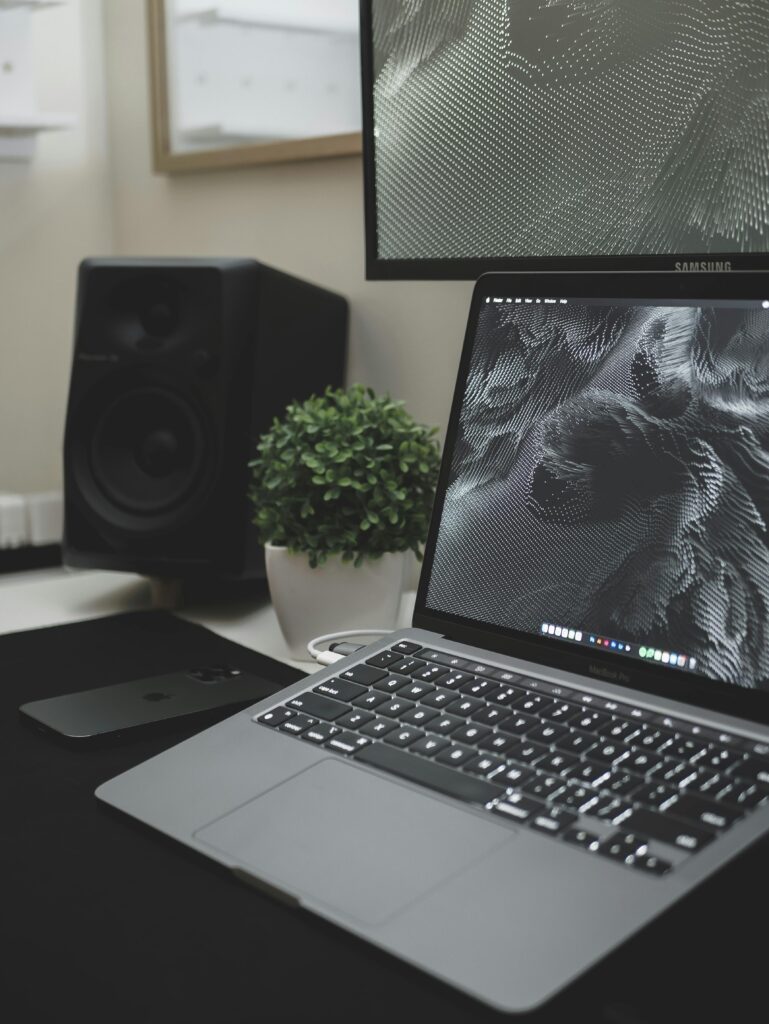
If you can stretch your budget a bit, going for a mid-range laptop is one of the smartest decisions you can make. These laptops offer a great balance of performance, battery life, and build quality, making them perfect for long-term use throughout your college years.
Whether you need to multitask, do coding, or handle light editing, these laptops can manage everything smoothly without slowing you down.
HP Pavilion Plus
One of the most balanced and value-for-money laptops in this segment.
- Strong and consistent performance for daily and heavy tasks
- Premium look and feel compared to typical student laptops
- High-quality display, great for long study sessions and media use
Honest Opinion: If you’re feeling confused and don’t want to spend too much time overthinking your decision, this is one of the safest mid-range options you can go for. It offers a great balance of everything—performance, design, and overall usability.
Downside: That said, some people might find it a bit on the expensive side, especially if you’re upgrading from a budget laptop.
Extra Insight: But if you need a laptop for multitasking, presentations, or even light creative work, it delivers reliable performance without any issues.
Dell Inspiron 14 Plus
Built with reliability and long-term usage in mind.
- Durable and sturdy build quality
- Smooth and stable performance for everyday and moderate tasks
- Good battery life that can last through classes
Honest Opinion: This is the kind of laptop you can rely on throughout your entire college life without running into any major issues. Its performance is stable and consistent, which makes it a dependable choice.
Downside: Yes, the design is a bit simple and may not look as attractive as some other laptops in this range.
Extra Insight: But if you care more about reliable performance than looks, this is an option that won’t disappoint you in the long run.
MacBook Air (M2/M3)
One of the most efficient and refined laptops for students.
- Exceptional battery life that can last all day
- Silent and smooth performance (no fan noise)
- Lightweight and extremely portable
Honest Opinion: Once you start using a MacBook Air, its smooth performance and long battery life make it genuinely hard to switch back to other laptops.
Downside: Yes, it is a bit expensive, and the limited ports can sometimes feel inconvenient.
Extra Insight: It’s an excellent option, especially for students who value battery life, portability, and a smooth user experience—particularly if you’re already part of the Apple ecosystem.
In my opinion, if you’re already using an iPhone, choosing a MacBook makes your workflow much easier.
Best Premium Laptops for Students
If budget isn’t a major concern for you, premium laptops offer a much better overall experience in every aspect—whether it’s performance, build quality, or display. They can easily handle heavy tasks while also delivering a smooth and reliable experience for everyday use.
But the truth is, not every student actually needs that level of power, so it’s more important to choose a laptop based on your real requirements.
MacBook Pro (M3 Pro)
Built for serious performance and demanding workloads.
👉 Best for: Video editing, coding, graphic design, and professional-level tasks
- Exceptional performance with M3 Pro chip
- Stunning display quality (great for creative work)
- Excellent battery life despite high performance
Honest Opinion: To be honest, this laptop might be more powerful than what most students actually need. But if you’re into editing, development, or any kind of creative work, it can be a great investment.
Downside: That said, it’s quite expensive, so it may not be the right choice for those who only need a laptop for basic tasks.
Extra Insight: It’s especially ideal for students in fields like design, media, or computer science who need strong, long-term performance without any compromises.
Dell XPS 13 Plus
A premium Windows laptop with a modern and sleek design.
- Ultra-slim and futuristic design
- High-quality display with excellent clarity
- Strong overall performance for productivity
Honest Opinion: When it comes to looks, this is easily one of the most premium and best-looking Windows laptops available right now—you can clearly feel the premium quality in every aspect.
Downside: Yes, it is a bit expensive, and to be honest, you’re also paying for its design and build quality.
Extra Insight: It’s especially a great choice for students who want a high-end Windows laptop that offers both strong performance and a stylish design
ASUS ROG Zephyrus G14
A powerful blend of gaming and productivity.
- Dedicated GPU for gaming and heavy tasks
- Compact design for a gaming laptop
- Strong performance across all workloads
Honest Opinion: If you’re looking for a laptop that can handle both studies and gaming without any trouble, this is a great option to consider.
Downside: Yes, it’s a bit on the heavier side, and the battery life isn’t as long as a typical non-gaming laptop.
Extra Insight: It’s especially perfect for students who want to focus on studies during the day and enjoy gaming at night.
Microsoft Surface Laptop 6
Minimal, clean, and focused on productivity.
- Elegant and lightweight design
- Smooth performance for daily use
- Great keyboard and typing experience
Honest Opinion: If you’re looking for a laptop that is simple, helps you stay focused on your work, and runs smoothly without any issues, this is a great option to consider.
Downside: That said, it’s not designed for gaming or heavy tasks like intensive editing.
Extra Insight: It’s especially perfect for students who mostly work on documents, presentations, and note-taking.
In my opinion, you should only go for a premium laptop if you truly need that level of performance—otherwise, mid-range laptops are more than enough for most students.
Mini Conclusion
Using a premium laptop is definitely a great experience, but the truth is, not every student actually needs one.
If your work is a bit demanding or you want a laptop that can run smoothly for several years without issues, then investing in one can be a smart decision.
Comparison Table
| Laptop | Category | Best For | Battery |
|---|---|---|---|
| Acer Aspire 5 | Budget | Daily use | 8 hrs |
| IdeaPad Slim 3 | Budget | Basic work | 7–8 hrs |
| Vivobook 15 | Budget | Style | 8 hrs |
| HP Pavilion Plus | Mid | Multitasking | 10 hrs |
| Dell Inspiron | Mid | Reliability | 10–12 hrs |
| MacBook Air | Mid | Efficiency | 10 hrs |
| MacBook Pro | Premium | Editing | 17 hrs |
| XPS 13 | Premium | Premium use | 12 hrs |
| G14 | Premium | Gaming | 8–10 hrs |
| Surface 6 | Premium | Productivity | 12 hrs |
Which Laptop Should YOU Choose?
This is where most guides fail—but let’s make it simple:
- BA / BCom / BBA students: Budget laptop is enough
- Engineering / Coding: Go mid-range
- Design / Editing: Go premium
- Gaming + Study: Zephyrus G14
👉 If you’re still confused, go mid-range—it’s the safest choice.
Common Mistakes Students Make
- Buying based on brand only
- Ignoring battery life
- Choosing HDD instead of SSD
- Spending too much on gaming laptops
👉 Real Tip: Don’t buy a laptop just because someone else has it.
FAQs
Which is the best laptop for students in 2026?
Mid-range laptops like HP Pavilion Plus or MacBook Air are best for most students.
Is 8GB RAM enough?
Yes, but 16GB is recommended.
Mac or Windows?
- Mac = smooth + battery
- Windows = flexible + affordable
Conclusion
Finding the best laptops 2026 isn’t about buying the most powerful device—it’s about choosing what fits your needs.
- Budget → Enough for basic work
- Mid-range → Best value
- Premium → For advanced users
My Final Opinion:
If I had to recommend one category for most students, I’d say go for a mid-range laptop. It gives you performance, battery, and longevity without overspending.